
LensUltra Lenses
Categories
Articles
How do I attach the LensUltra Series lens to my smartphone?
To use the lenses on your smartphone, a mounting system is required. For iPhone 11 to 16 series and Samsung Galaxy S23 Ultra, we offer Camera Cases with Lens Mounts. If you have an iPhone 14/15/16 Fabric or Transparent case or a S-Mount Universal Len
How to Attach and Detach the S.Mount Converter for your LensUltra lenses
The S.Mount Converter offers a quick, secure way to attach your lenses, eliminating the hassle of traditional screw threads. Attaching the S.Mount Converter to Your Lenses1. Prepare the S.Mount Converter and Lenses:Do not remove the S.Mount Converter
I am using your LensUltra Series lens, and it's blocking/showing on the camera. What am I doing wrong?
If you're experiencing part of the lens is showing or blocking the camera, it might be due to your phone's macro control settings. Here's how to troubleshoot this issue:. Step 1: Attach the Lens Properly. Make sure to attach the lens to the main (1x)
Do I need to download a third party camera app to use your lenses?
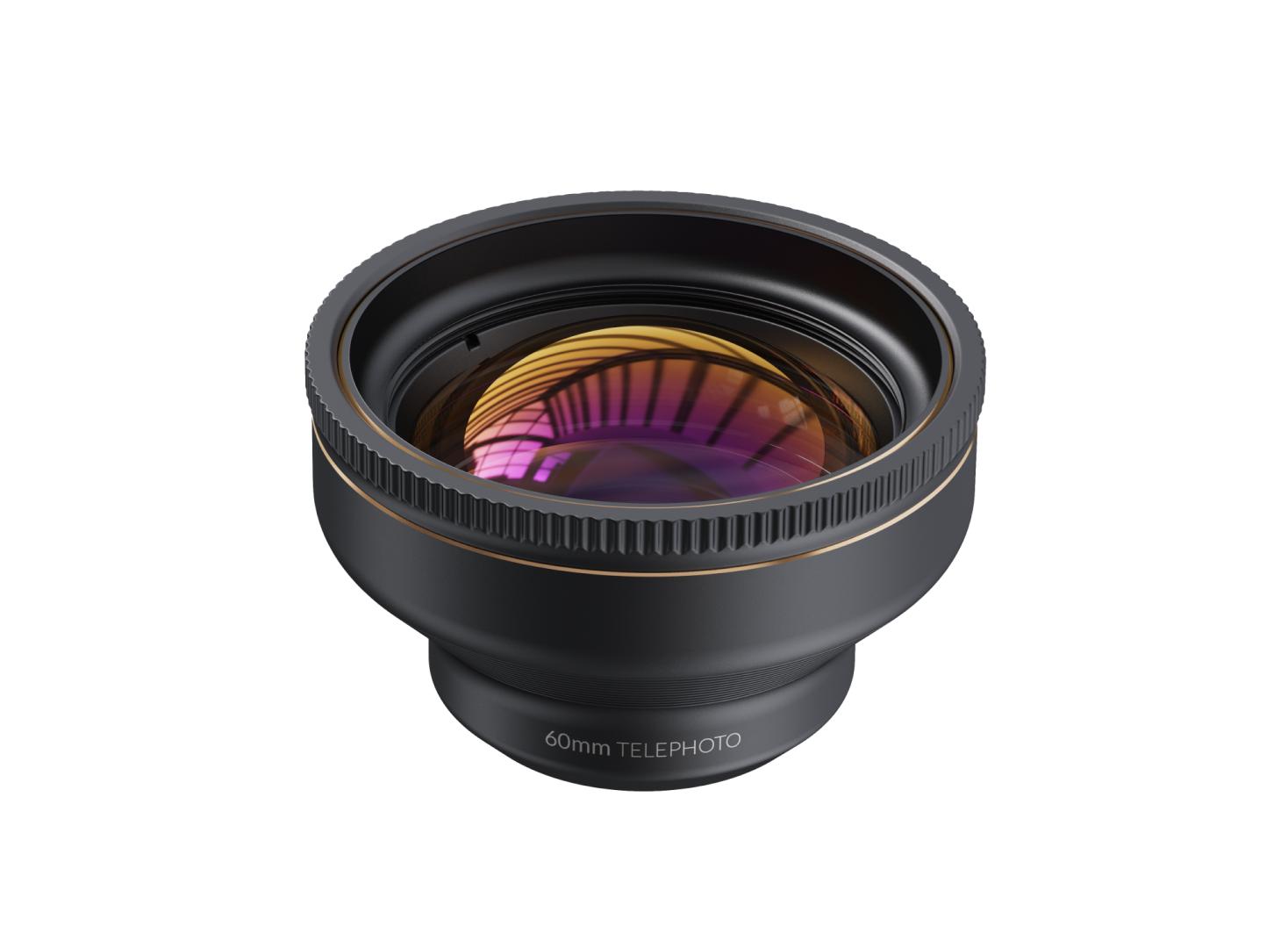
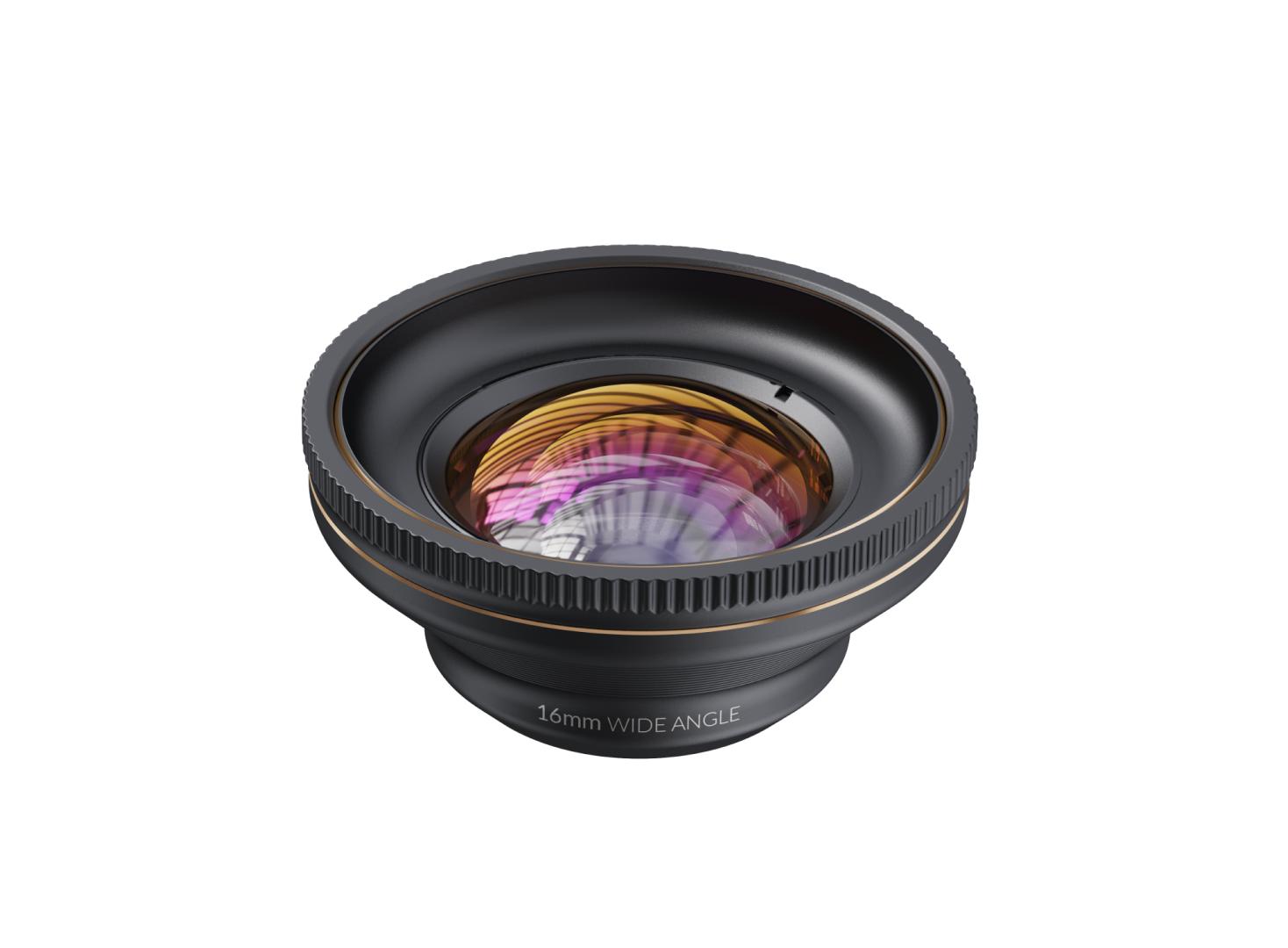
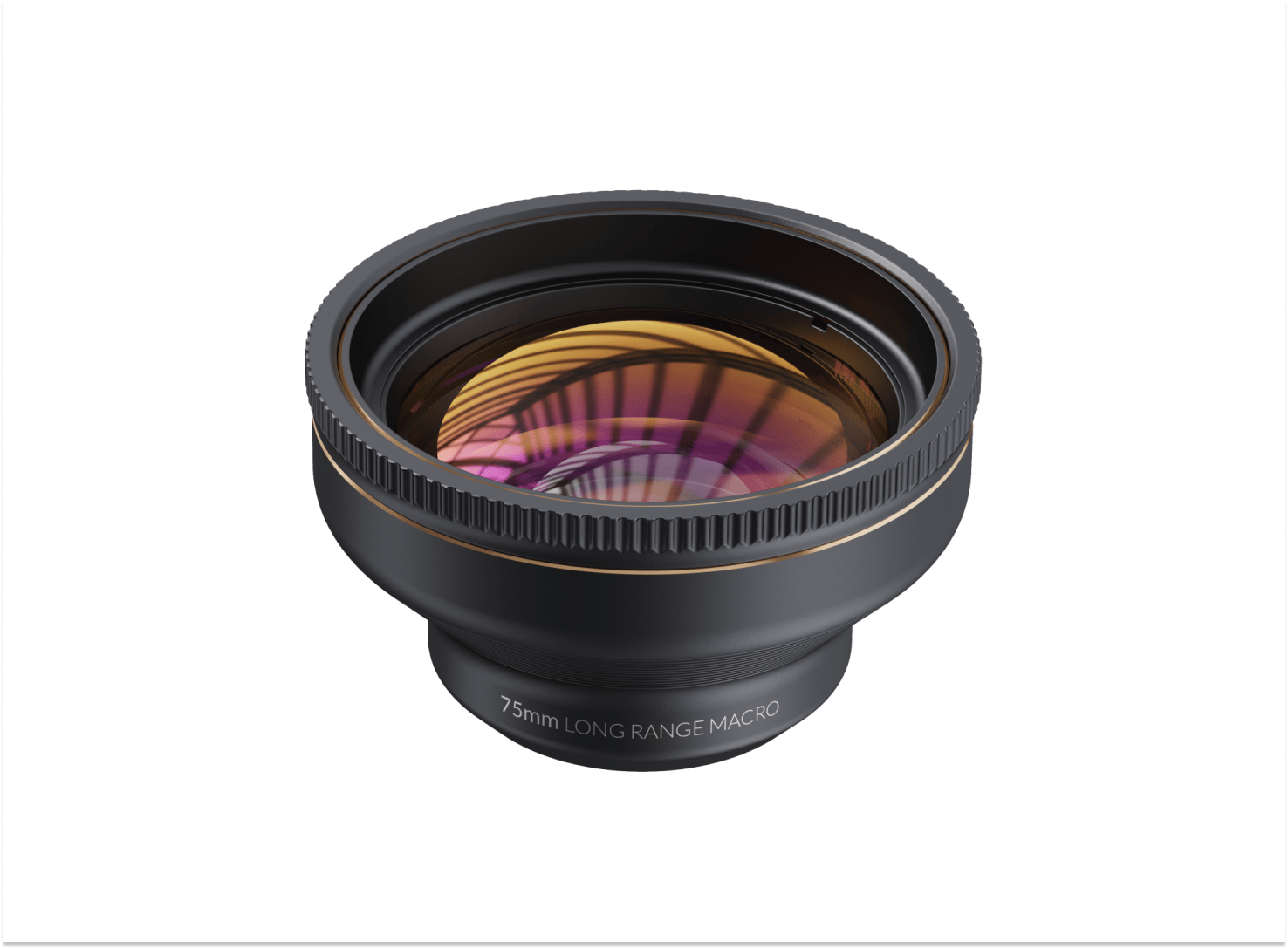
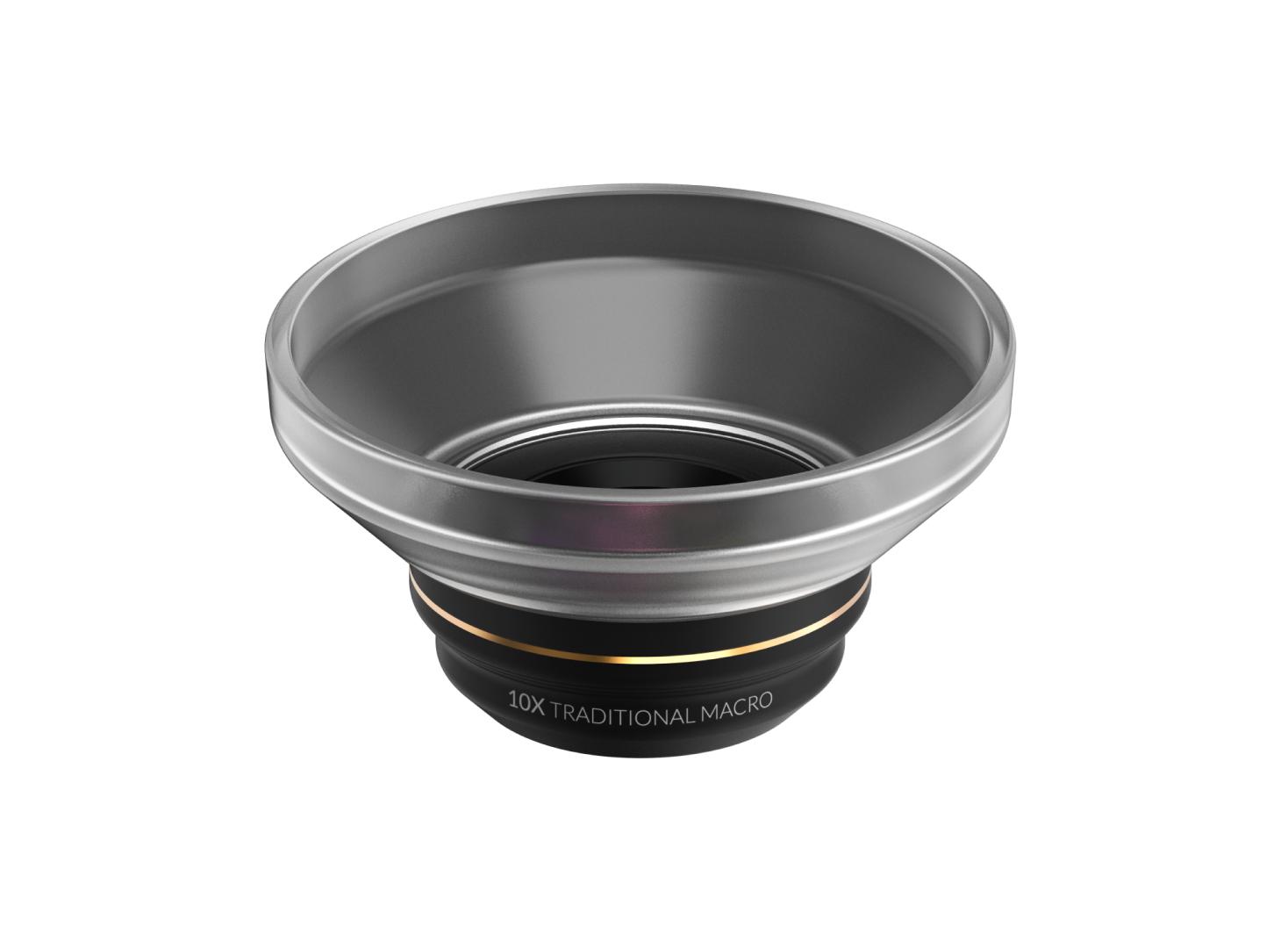
ShiftCam Mobile Lenses, including the P.Series p.60mm Telephoto, p.16mm Wide Angle, p.10x Macro, V.Series 60mm Tele, 16mm Wide, 75mm Macro and 200° Fisheye, and LensUltra Series lenses, including the 60mm Telephoto, 16mm Wide Angle, 75mm Long Range M
Universal Lens Mount Compatibility
The Universal Lens Mount is designed to be versatile and fit on smartphones with a thickness ranging from 3.5mm to 16mm, whether they have a case on them or not. This makes it compatible with a wide range of smartphones, allowing you to easily attach
Getting Started: CPL Filter
The LensUltra CPL Filter can be attached to various lenses in our LensUltra Series and lenses of your smartphone. To do so, simply follow the steps outlined below. Step 1: Remove the protection ring on top of the lens by gently twisting it counterclo
Getting Started: VND Filter
The LensUltra VND Filters can be attached to various lenses in our LensUltra Series and lenses of your smartphone. To do so, simply follow the steps outlined below. Step 1: Remove the protection ring on top of the lens by gently twisting it countercl
I have an iPhone 14/15/16 series Camera Case and the Lens Mount detached from the case, can I still re-attach and use it?
Yes, you can still re-attach the Lens Mount and continue to use the Camera Case. To help you reattach it, please follow these steps:. Step 1: Align the Lens Mount. Ensure that the Lens Mount is correctly aligned with the Camera Case. Check for any al