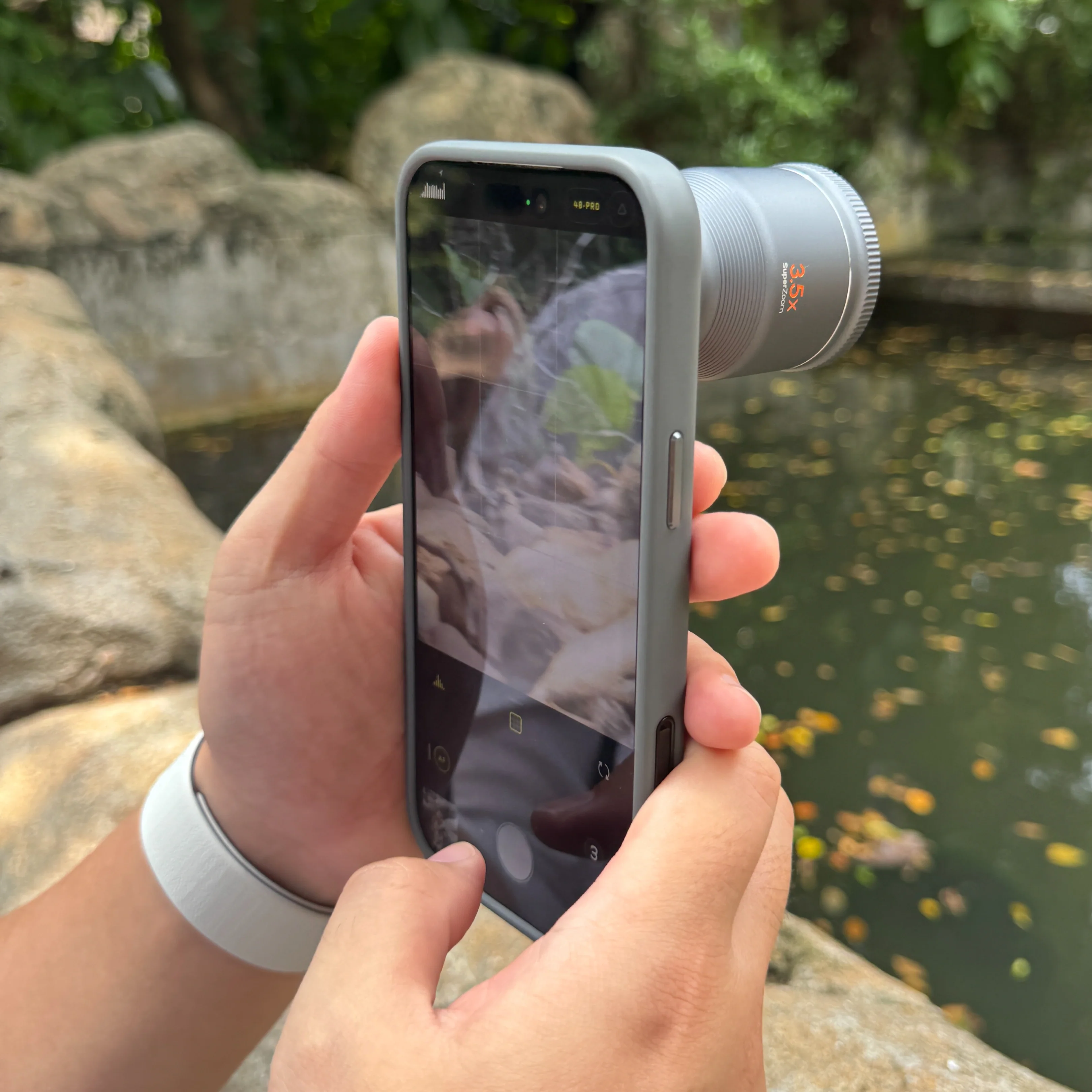
Getting Started: X.Series 3.5x Super Zoom TeleUpdated 18 days ago
The X.Series 3.5x Super Zoom Tele was designed for smartphones with a dedicated telephoto or periscope camera, and it gives you the reach to capture distant subjects with greater detail and clarity.
Before You Begin: Your phone must have a telephoto camera. The X.Series 3.5x Super Zoom Tele is designed for compatible smartphones equipped with a dedicated telephoto or periscope camera.
Supported devices include:
1. iPhone: Supported Pro and Pro Max models with a dedicated telephoto camera
2. Samsung Galaxy: Supported models with a dedicated telephoto camera
3. Google Pixel: Supported Pro models with a dedicated telephoto camera
4. Other compatible Android phones: Phones with a dedicated telephoto or periscope camera that can be aligned with the Universal S.Mount
For the best fit and stability, use a compatible S.Mount Camera Case when available. For other supported phones, use the Universal S.Mount.
Important: The X.Series 3.5x Super Zoom Tele must be aligned with your phone's telephoto/periscope camera. It is not designed to be used with the main 1× camera.
1. Identify Your Telephoto Camera and Mount the Lens - The location of the telephoto camera varies by phone model. Use the guide below to identify the correct camera before mounting.
| Phone Model | Telephoto Camera located |
| iPhone 15 Pro | Dedicated telephoto lens placed at the Middle-right camera |
| iPhone 15 Pro Max, 16 Pro & Pro Max | Dedicated 5× telephoto camera, placed at the Middle-right camera |
| iPhone 17 Pro / Pro Max | Dedicated 4× telephoto camera; 8× optical-quality zoom is also available, placed at the Middle-right camera |
| Samsung Galaxy S25 Ultra | Galaxy S25 Ultra: The telephoto cameras are in the lower half of the vertical camera arrangement. There are separate 3× and 5× telephoto cameras, so the correct lens depends on which optical zoom you're using. |
| Google Pixel 10 Pro / Pro XL | Pixel 10 Pro: Rightmost camera on the horizontal rear camera bar — this is the 5× telephoto camera. |
Note: Camera layouts vary by model. If your phone has more than one telephoto camera, select the camera that corresponds to the optical zoom you want to use.
To Mount the Lens;
A. Identify your phone’s telephoto/periscope camera.
B. Attach the appropriate mounting system:
• S.Mount Camera Case: Insert your phone into the compatible case and locate the T-marked telephoto mount.
• Universal S.Mount: Position the mount directly over the telephoto camera, center the camera within the opening, and tighten the mount securely.
C. Align the X.Series 3.5x Super Zoom Tele with the telephoto mount.
D. Rotate the lens clockwise until securely locked in place.
Note: The lens and telephoto camera must remain precisely aligned for the best image quality.
2. Choose Your Camera App - For the smoothest experience, we recommend different camera apps depending on your phone.
| Phone Type | Recommended App/s | What to do |
| iPhone | ShiftCam One | Scan the QR code included in your product packaging to download the ShiftCam One app directly to your iPhone. |
| Android | Adobe Light Room or Black Magic Camera | Open the App and select your phone's telephoto camera before shooting. |
Note: The native camera app will switch between the phone's lenses unpredictably. 3rd party camera apps help to lock in to the telephoto lens so nothing gets in the way of your shot.
Reminder: The X.Series 3.5x Super Zoom Tele has a minimum focus distance of 8m or 26.2 ft. Please make sure that you are within the distance requirement for best performance.
3. Launch the camera app and you can now capture photos and videos using the X.Series 3.5x Super Zoom Tele.