
Getting Started: V.Series 60mm TeleUpdated 3 months ago
To register your V.Series 60mm Telephoto Lens, simply visit the ShiftCam registration page and follow the easy instructions. Registering ensures your lens is covered under warranty and allows you to receive the latest updates and support from ShiftCam.
Step 1: Identify which mounting system you will be using:
a. For iPhone 14 to 17 series, Google Pixel 10 Pro XL, Xiaomi 15 Ultra, and Samsung Galaxy S25 Ultra, you can use the S.Mount Camera Case.
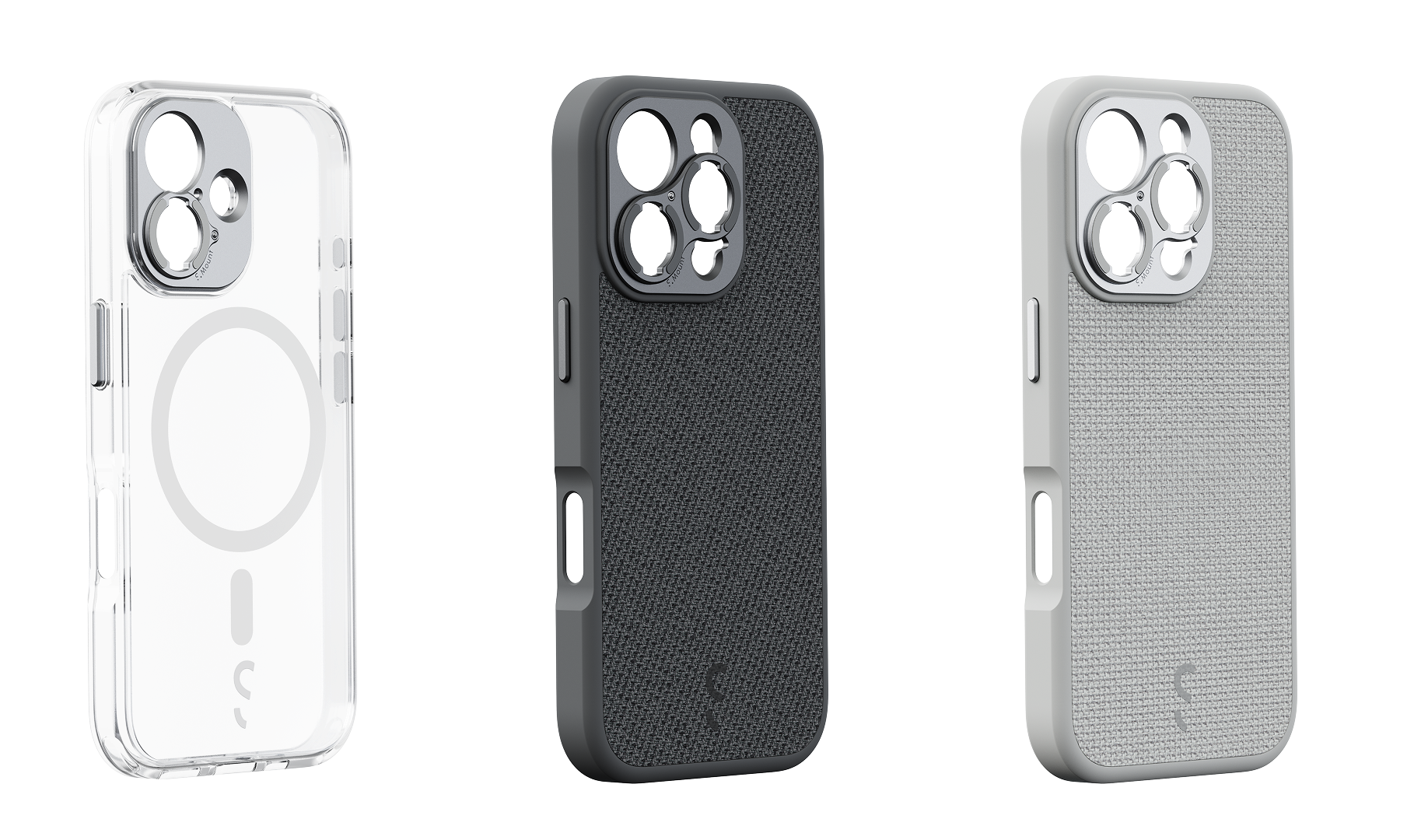
B. For other smartphone models, you can use the Universal S.Mount.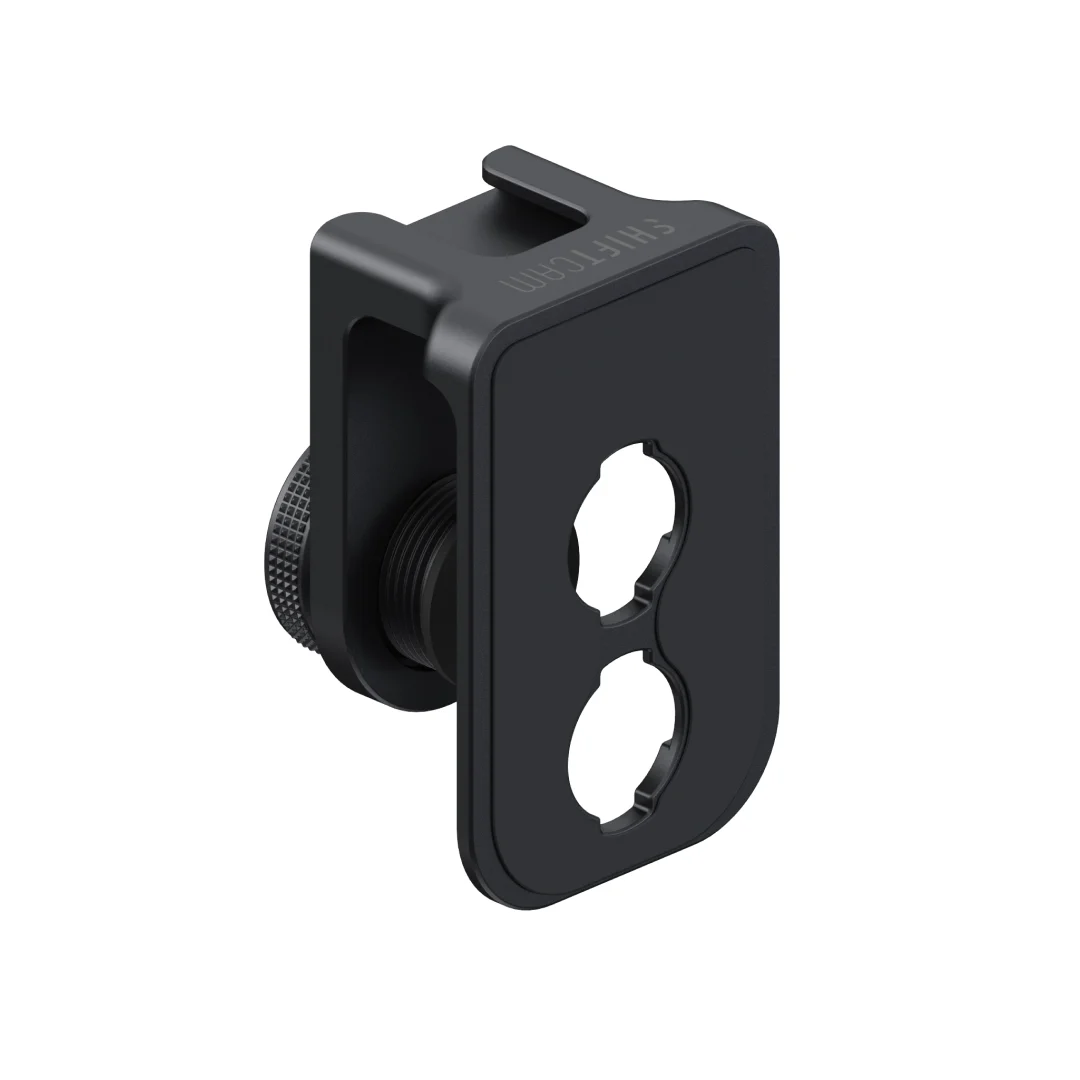
Step 2: Attach the mounting system to your smartphone.
a. For Universal Lens Mount: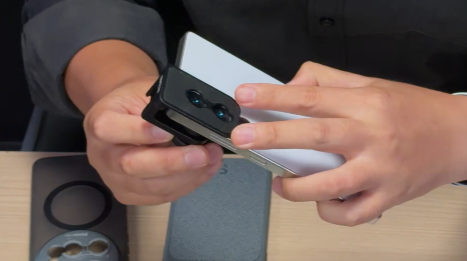
Slide the Universal Lens Mount onto your phone, positioning it over the main camera lens.
Adjust the mount to align your main camera with either end of the mount's camera opening. Use the cross markings next to the opening as a reference to center your camera.
Turn the knob on the mount to tighten it securely onto your phone. Ensure the mount is firmly attached, preventing any movement or instability.
b. For Camera Case: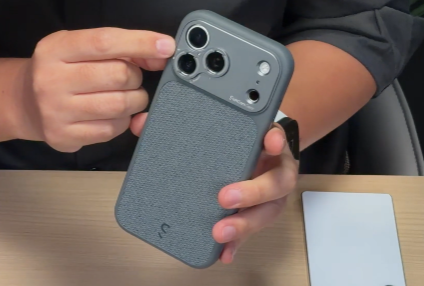
Slide your phone into the Camera Case, ensuring it fits snugly and aligns with the case's camera opening.
Ensure that the Camera Case is securely fastened to your phone, providing stability and protection.
Step 3: Take the V.Series 60mm Tele lens and locate the mount on its base. 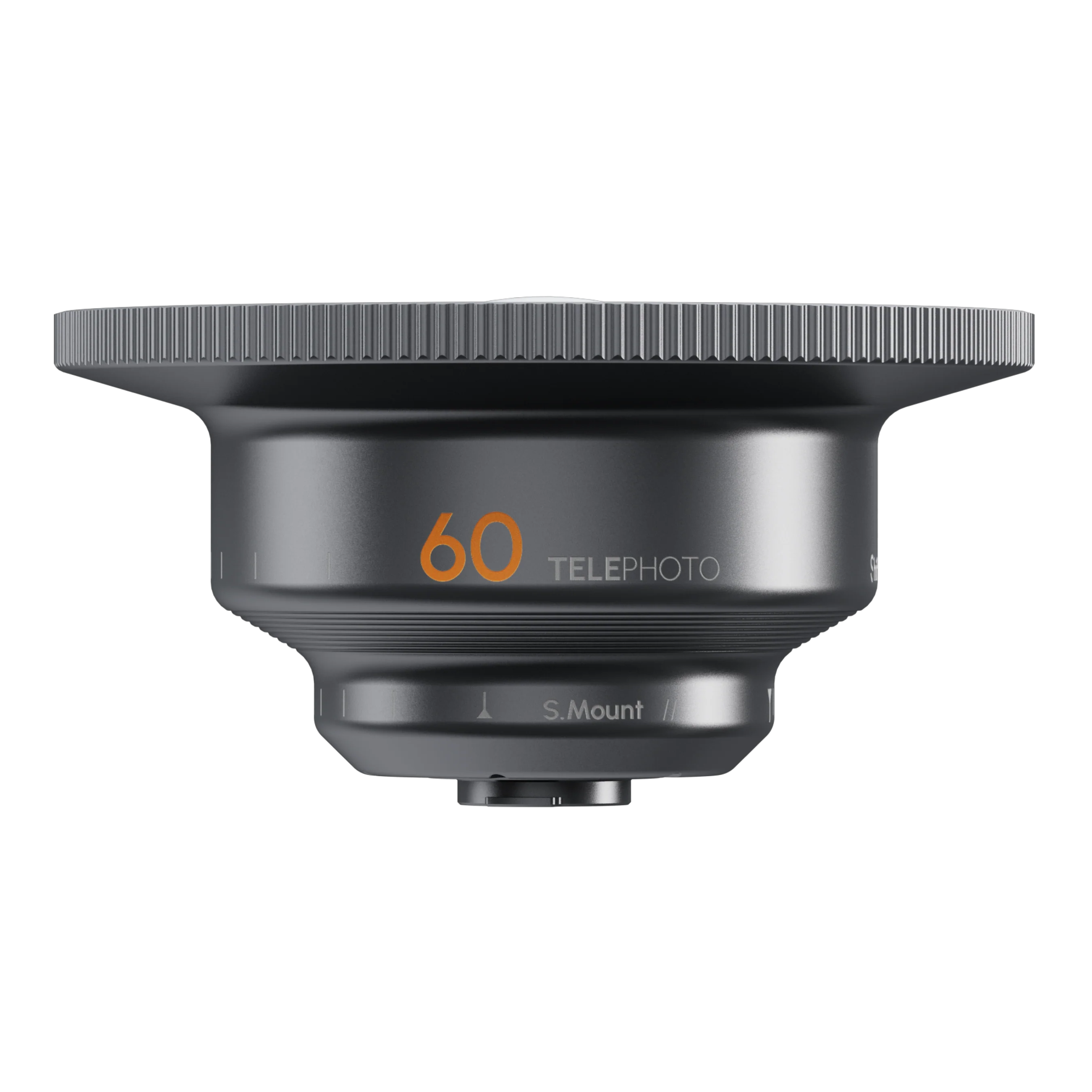
Step 4: Twist the lens onto the mounting system.
a. Place the lens onto the mount of either the Universal S.Mount or the S.Mount Camera Case, aligning the threads of both the lens and the mount.
b. Turn the lens clockwise to screw it into the socket of the mount. Continue rotating until the lens is securely attached. Tighten it firmly but avoid excessive force.
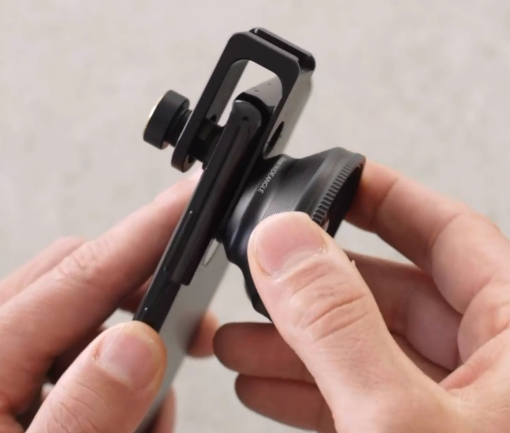
Step 5: Verify that the lens is properly aligned and centered over your phone's main camera.
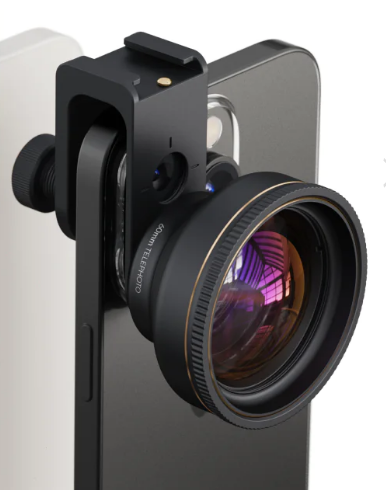
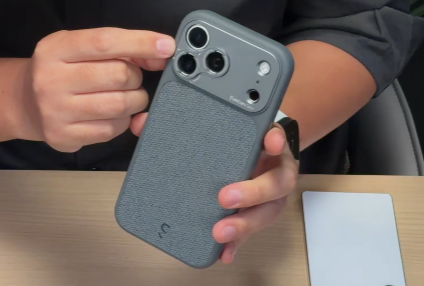
Step 6: Launch the camera app, and you can now capture photos and videos using the V.Series 60mm Tele lens. 

Reminder: The V.Series 60mm Tele lens has a specific focusing range, and you'll need to tap the screen to achieve optimal focus. The V.Series 60mm Tele lens has a minimum focus distance of 30–40cm. Please make sure that you are within the distance requirement for best performance.
Technical Specifications | |
Focal Length: 60mm | Magnification: 2× |
Field of View: 59° | Deformation: -1% |
Min Focus Distance: 30–40cm | Mount: S.Mount |
Diameter: Ø74.5mm | Length: 38.6mm |
Glass Coatings (# per side, per element): 7 Layers per side | Material: Fluorite Crystal |
Net weight: 145g |
|