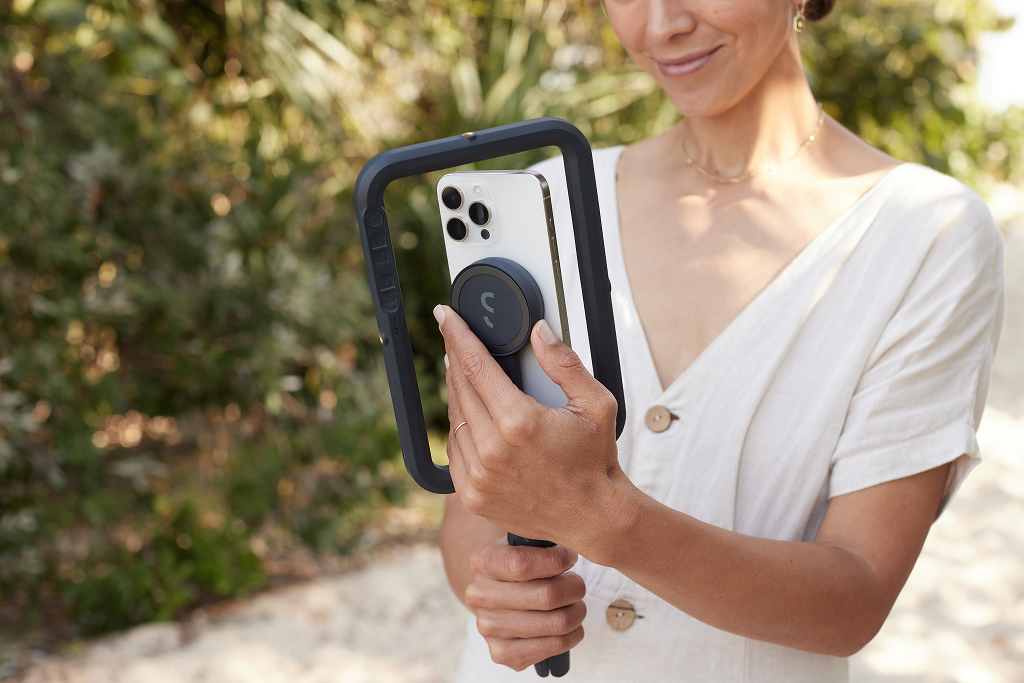
Getting Started: SnapStudio LightUpdated 8 months ago
SnapStudio Light works on any smartphone except for flip phones. It attaches magnetically to MagSafe-compatible smartphones and magnetic phone cases; a magnetic sticker is required for non-MagSafe ones.
Step 1: Attach the SnapStudio Light to your smartphone.
a. For MagSafe-compatible smartphones and magnetic phone cases: Attach the SnapStudio Light directly to the back of your phone. It will snap into place securely.
b. For non-MagSafe smartphones: Attach the magnetic sticker to either the back of your smartphone or at the back of your phone case. Once the magnetic sticker is attached, place the SnapStudio Light on top of the magnetic sticker. It will snap into place either on the phone or the phone case, depending on where you attached the sticker.
Step 2: Turn on the SnapStudio Light by locating the power button and performing a long press.
Step 3: To adjust the brightness of the SnapStudio Light, press or hold the buttons with the sun icon.
Note: The SnapStudio Light offers four (10) levels of brightness for you to choose from.
Step 4: To adjust the color temperature, press or hold the buttons with the K+ or K- icons
Step 5: You may switch between using your front camera or rear camera by rotating the MagSafe puck