Step 1: Charge the Bluetooth Remote
If needed, charge the remote using a USB-C charging cable. Ensure the remote is fully charged before using it to avoid interruptions during your shooting session.
Step 2: Pair the SnapStand Selfie or SnapStand Max Remote to your phone's Bluetooth.
a. Turn on the remote by pressing it once and a blinking LED light will illuminate.
b. On your smartphone, go to the Settings menu and enable Bluetooth.
c. Search for available Bluetooth devices and select "SnapStand" from the list.
Step 3: Verify the connection.
Once the SnapStand Selfie or SnapStand Max remote is successfully connected to your smartphone, the blue LED light on the remote will stop blinking and light up continuously in blue. This indicates that the SnapStand Selfie or SnapStand Max remote is now connected to your smartphone's Bluetooth and ready to use.
Step 4: Attach the SnapStand Selfie / Max to your smartphone.
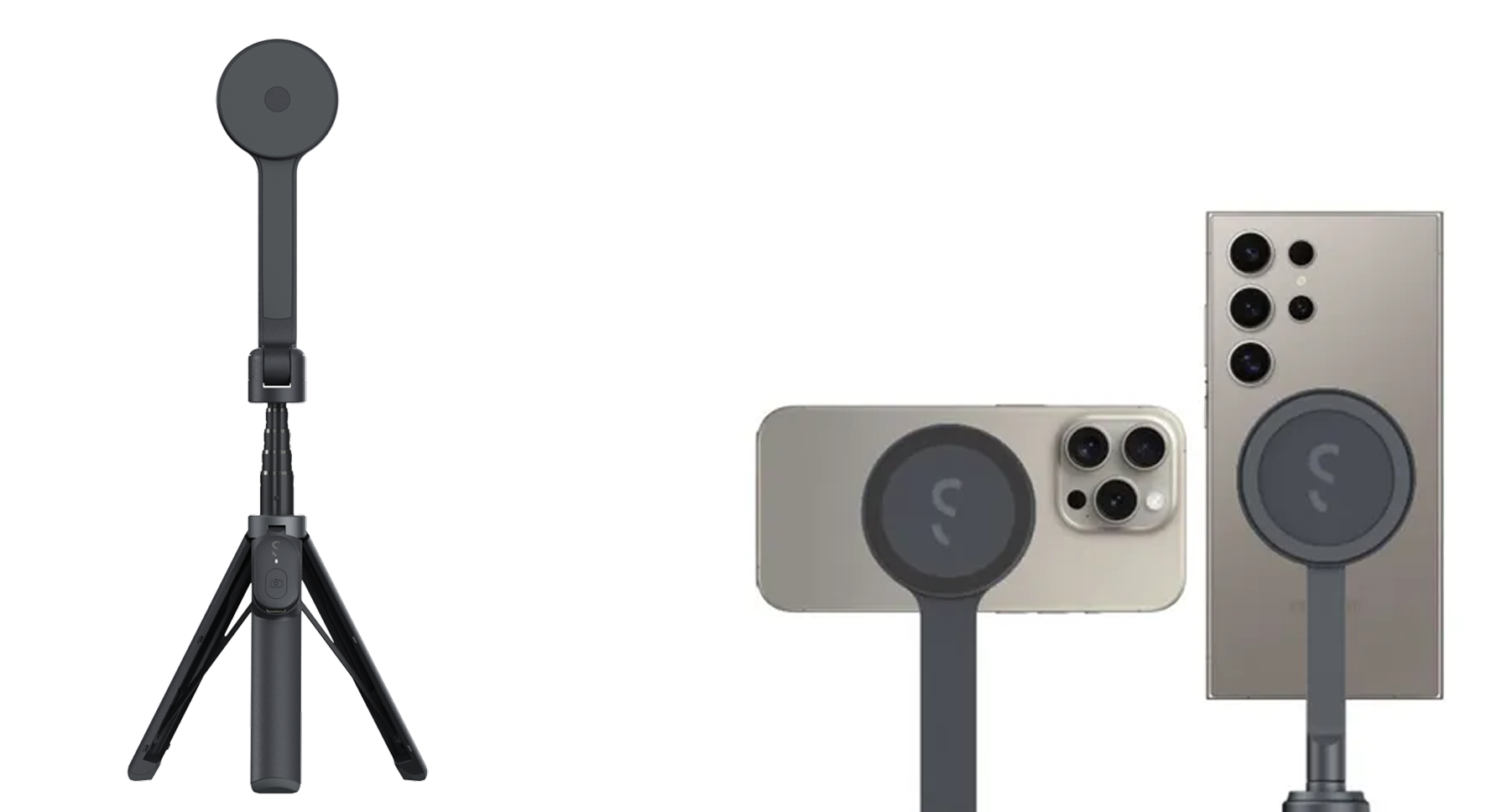
a. For MagSafe-compatible smartphones and magnetic phone cases: Attach the SnapStand Selfie or SnapStand Max directly to the back of your phone. It will snap into place securely.
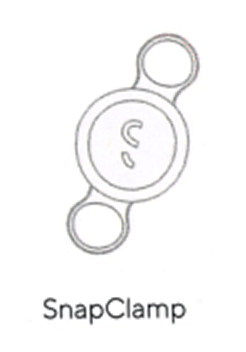
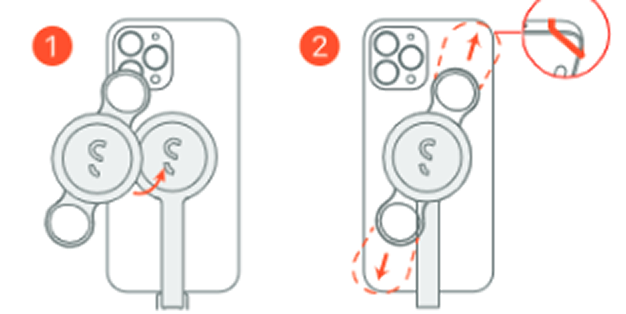
b. For non-MagSafe smartphones: Attach the magnetic sticker to either the back of your smartphone or at the back of your phone case. Once the magnetic sticker is attached, place the SnapStand Selfie or SnapStand Maxon top of the magnetic sticker. It will snap into place either on the phone or the phone case, depending on where you attached the sticker.
Step 5: Adjust Tilt.
You can tilt the tripod stick up to 200° to capture the perfect angle for your shots. This tilt feature ensures you can cover all different angles, whether you're shooting landscapes, portraits, or group photos.
Step 6: Set up the SnapStand Selfie or SnapStand Max.
For SnapStand Selfie: Extend the SnapStand Selfie to your desired length. If using the tripod mode, open the SnapStand Selfie legs and extend the selfie stick to your desired height.
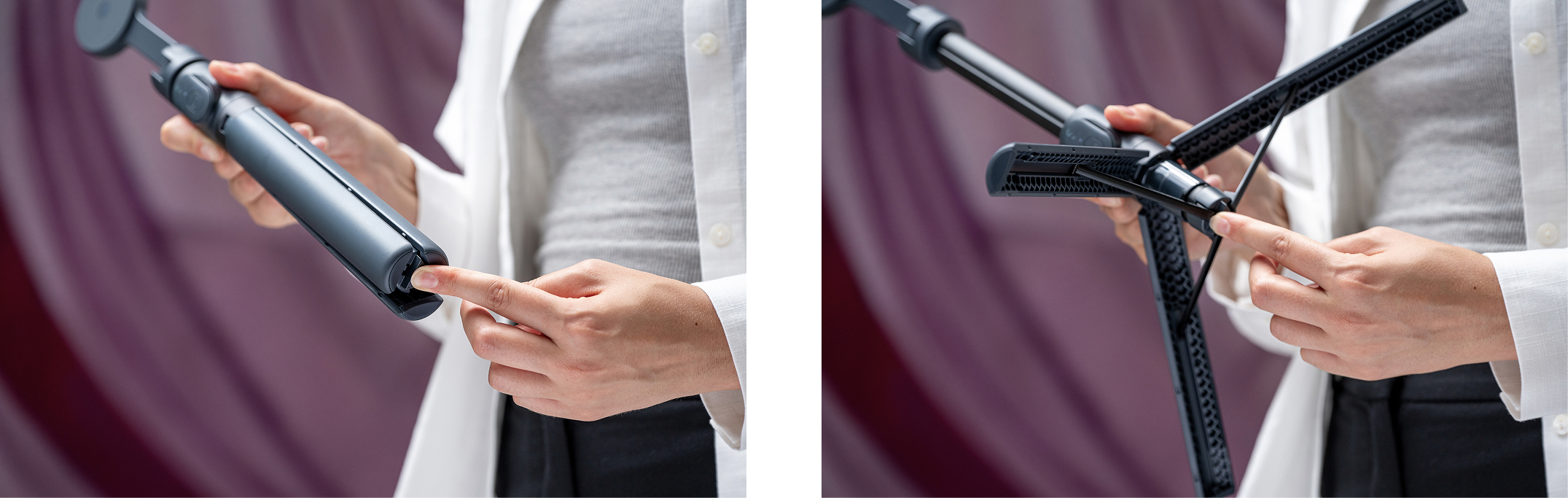
For SnapStand Max: Press the quick-release button at the bottom of the tripod to unlock the tripod's legs. Pull the area with the remote down to open the tripod's legs. Extend the SnapStand Max to your desired height and place it on the ground.
Step 7: The SnapStand Selfie and SnapStand Max is now ready to use.
Launch the camera app and use the Bluetooth remote to trigger the camera shutter wirelessly. This allows you to capture photos or start recording videos without having to touch your device.