
Getting Started: 240mm Super Zoom TeleUpdated 4 months ago
To register your 240mm Super Zoom Tele Lens, simply visit the ShiftCam registration page and follow the easy instructions. Registering ensures your lens is covered under warranty and allows you to receive the latest updates and support from ShiftCam.
Step 1: Identify which mounting system you will be using:
a. 240mm Super Zoom Tele is compatible with our iPhone 15, 16, 17 Series and Samsung 25 Ultra and Google Pixel 10 Pro XL
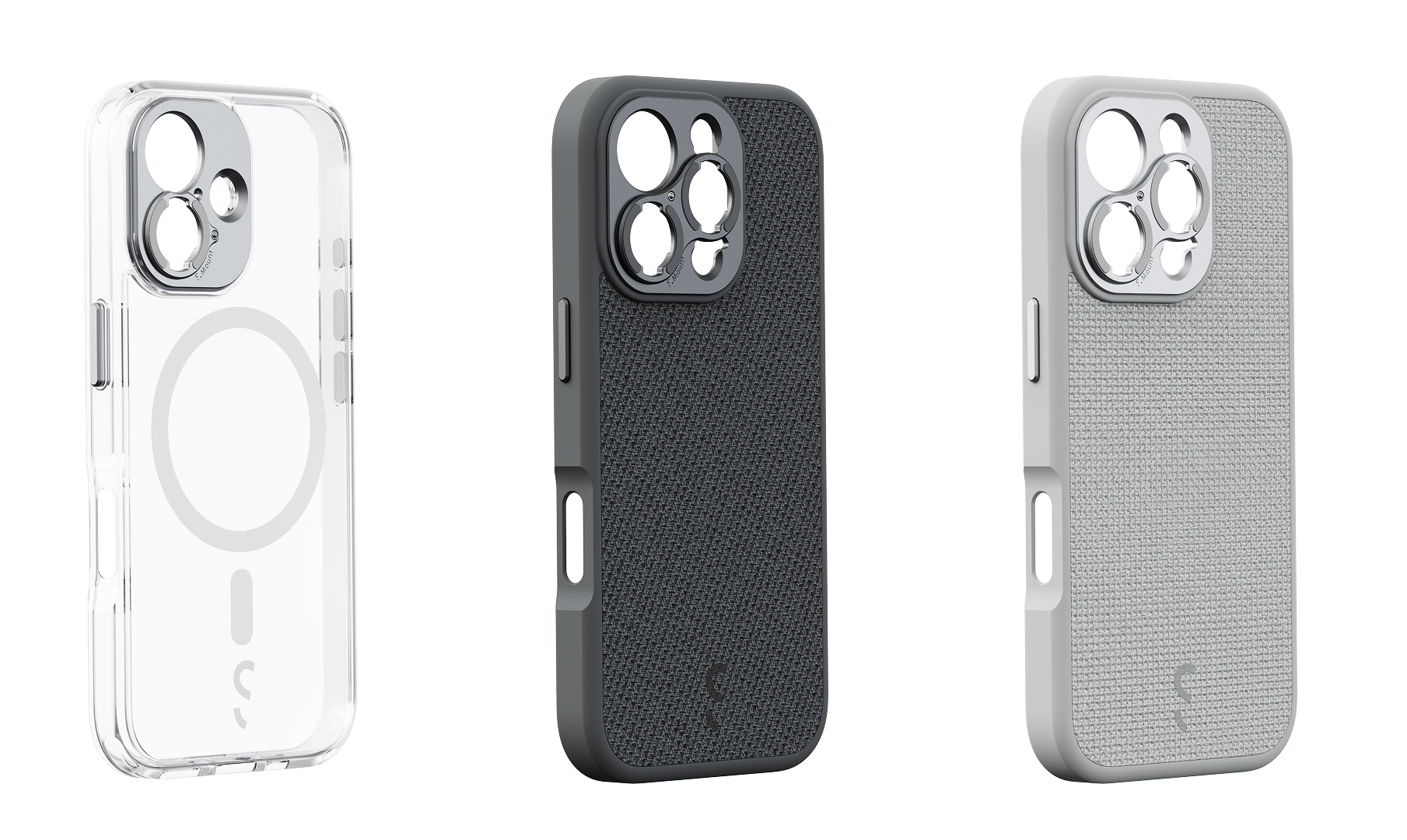
b. For other smartphone models, you can use the Universal S.Mount. 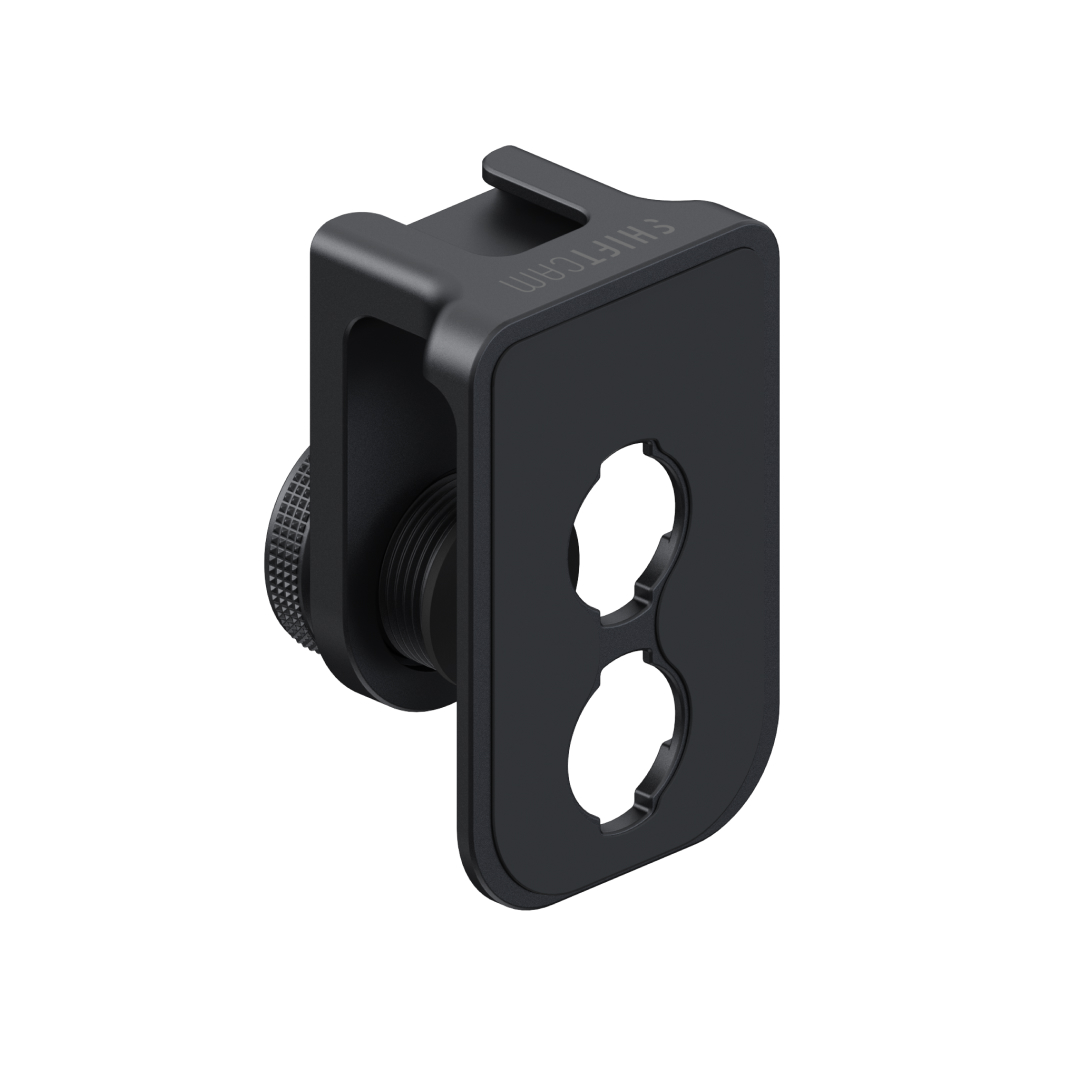
Step 2: Attach the mounting system to your smartphone.
a. For Universal Lens Mount:
- Slide the Universal Lens Mount onto your phone, positioning it over the telephoto camera lens.
- Adjust the mount to align your main camera with either end of the mount's camera opening. Use the cross markings next to the opening as a reference to center your camera.
- Turn the knob on the mount to tighten it securely onto your phone. Ensure the mount is firmly attached, preventing any movement or instability.
- Watch the tutorial video as your visual guide.
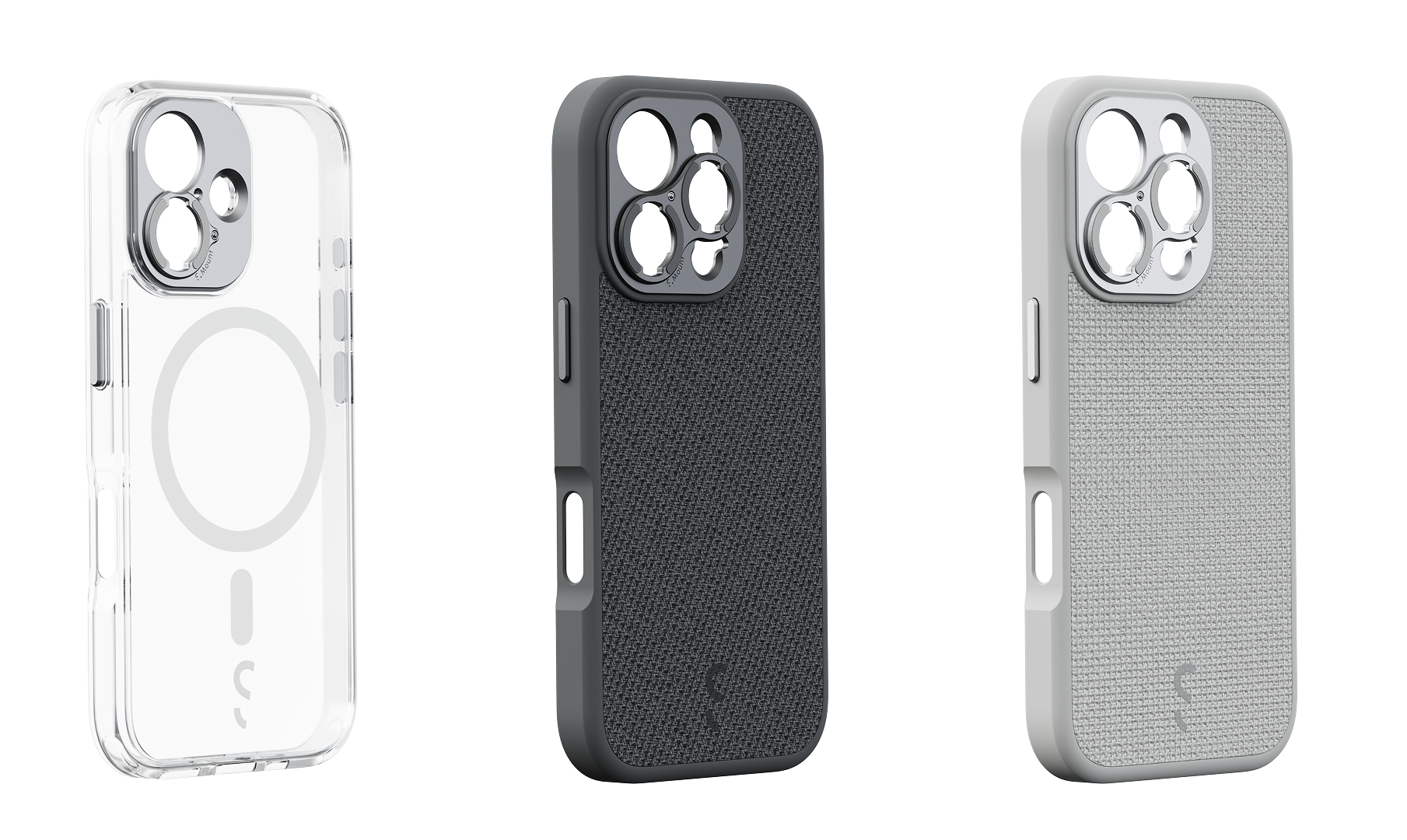
b. For Camera Case:
- Slide your phone into the Camera Case, ensuring it fits snugly and aligns with the case's camera opening.
- Ensure that the Camera Case is securely fastened to your phone, providing stability and protection.
- Watch the tutorial video as your visual guide.
Step 3: Screw the lens onto the mounting system.
a. Place the lens onto the screw thread of either the Universal Lens Mount or the Camera Case mount, aligning the threads of both the lens and the mount.
b. Turn the lens clockwise to screw it into the socket of the mount. Rotate 90° clockwise until the lens is securely attached. Tighten it firmly but avoid excessive force.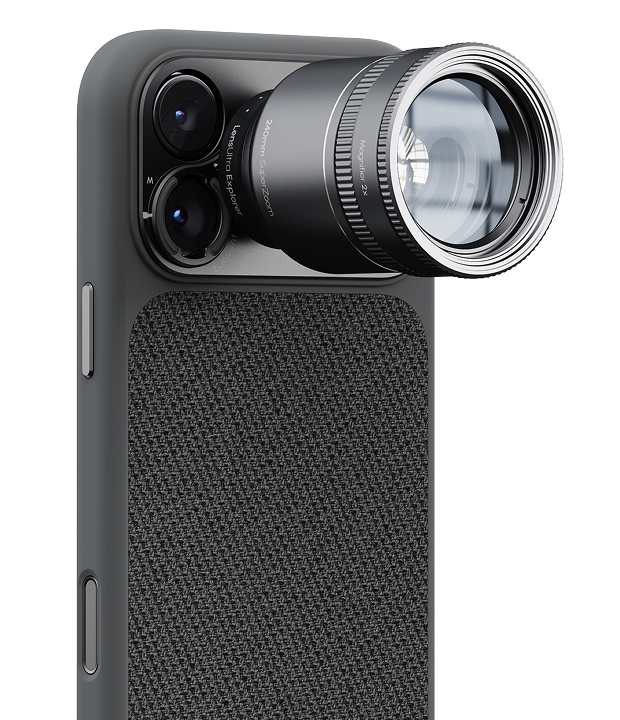
Step 4: Launch the camera app and you can now capture photos and videos using the 240mm Super Zoom Tele
We recommend using a 3rd party camera app (Lightroom, Halide, Blackmagic Cam, ProCamera, Filmic Pro) instead of the native camera app to prevent auto lens switching.
- Open the 3rd party camera app
- Select the telephoto lens to use for your shots. The naming for the phone's lenses may differ from app to app. Some possible names are:
- Main Camera:
- Main
- M
- 1x
- Telephoto:
- Tele
- Telephoto
- T
- 3x / 4x / 5x / 8x / 16x
- Ultra-Wide
- Ultra-Wide
- UW
- 0.5x
- Main Camera:
Note: The native camera app will switch between the phone's lenses unpredictably. 3rd party camera apps help to lock in to the telephoto lens so nothing gets in the way of your shot.
Reminder: The 240mm Super Zoom Tele has a minimum focus distance of 5m or 16.4ft. Please make sure that you are within the distance requirement for best performance.
Technical Specifications | |
FOV: 10° | Magnification: 10x |
Min Focus Distance: 5m | Deformation: -1% |
Dimensions (mm): ø42.5 x 52.6 | Mount: S.Mount |
AR coating: Multilayer | Material: Fluorite Crystal |
Net weight: 102g | Filters & Magnifier: m37 Filters and Magnifier |